

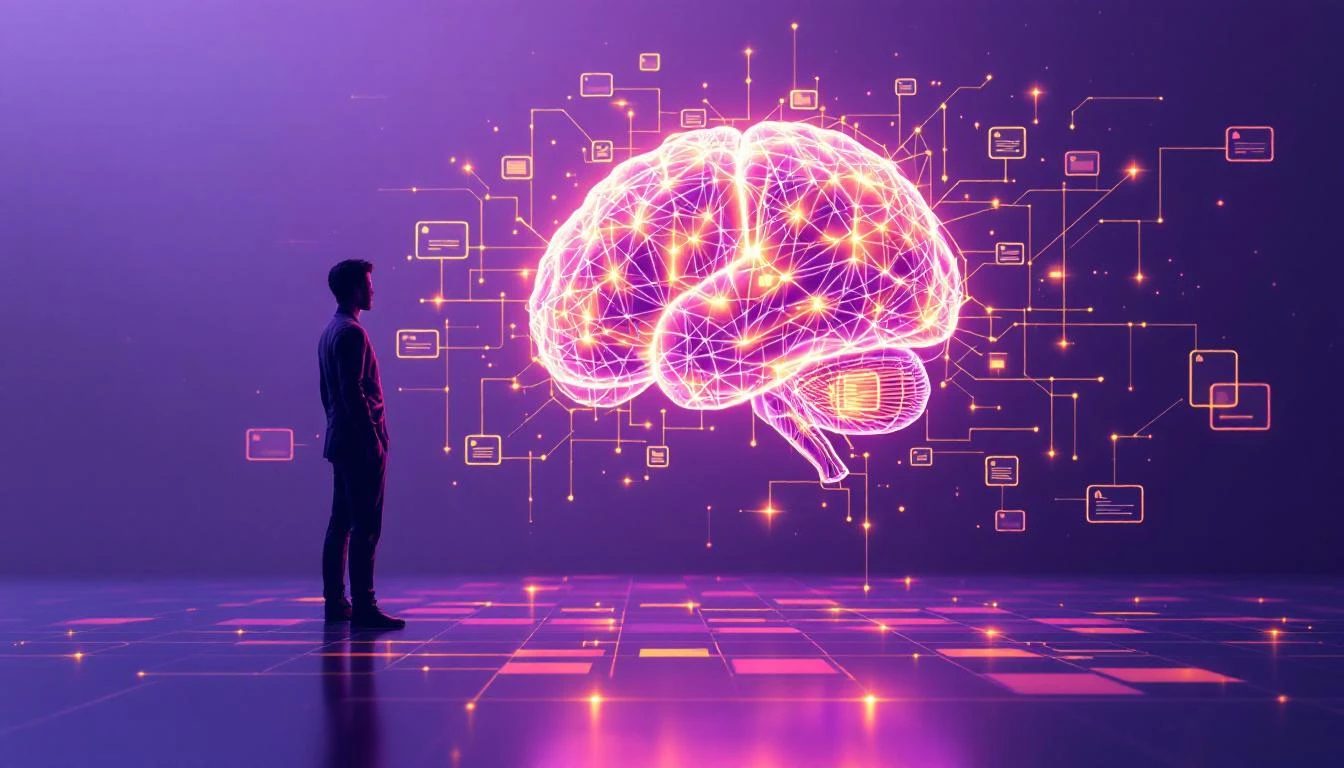
Building Your Second Brain with OpenClaw
What if your AI assistant could remember everything important, organize your thoughts, and surface insights when you need them? Here's how to use OpenClaw as the foundation for a true "second brain" system.The Second Brain Concept
The "Second Brain" idea—popularized by Tiago Forte—is about offloading mental work to an external system. Instead of trying to remember everything, you capture, organize, and retrieve information systematically.
Traditionally, people build second brains with tools like:
- Notion, Obsidian, or Roam for note-taking
- Readwise for highlights
- Calendar for scheduling
- Task managers for todos
The problem? These are passive tools. They store what you put in. They don't think.
OpenClaw changes this equation.
The Active Second Brain
With OpenClaw, your second brain:
- Captures automatically: Extracts insights from conversations
- Organizes intelligently: Categorizes and links information
- Retrieves proactively: Surfaces relevant knowledge when needed
- Acts on your behalf: Turns insights into action
Setting Up Your System
Step 1: Create Your Knowledge Structure
In your OpenClaw workspace, create this structure:
~/clawd/
├── MEMORY.md          # Core facts, preferences, relationships
├── SOUL.md            # Your AI's personality and rules
├── memory/
│   ├── 2026-02-01.md  # Daily logs
│   └── ...
├── knowledge/
│   ├── projects/      # Active projects
│   ├── people/        # Key contacts
│   ├── learnings/     # Things you've learned
│   └── ideas/         # Future possibilities
└── inbox/             # Quick capture
Step 2: Configure Memory Behavior
Add to your SOUL.md:
## Memory Rules
- After each conversation, note anything worth remembering
- Daily: Summarize key events in memory/YYYY-MM-DD.md
- Weekly: Review and distill insights to MEMORY.md
- When I mention a person, capture in knowledge/people/
- When I mention a project, capture in knowledge/projects/
- When I learn something new, add to knowledge/learnings/
Step 3: Enable Proactive Memory
Configure heartbeats in your OpenClaw config to periodically review and maintain memory:
{
  "heartbeat": {
    "enabled": true,
    "intervalMinutes": 30
  }
}
Create HEARTBEAT.md:
# Heartbeat Tasks
- Check if any important events from today should be logged
- Review MEMORY.md for outdated information
- Surface any upcoming deadlines or commitments
How It Works in Practice
Capture: The Conversation Becomes Memory
You: "Had a great call with Sarah from TechCorp. She mentioned they're launching a new AI product in Q3. We should follow up in April." OpenClaw:- Creates
knowledge/people/sarah-techcorp.md:
# Sarah - TechCorp
- Met: 2026-02-01
- Role: Unknown (to be determined)
- Notes: Launching AI product Q3 2026
- Follow-up: April 2026
- Adds to
memory/2026-02-01.md:
- Call with Sarah (TechCorp) - AI product launching Q3
- Creates calendar reminder for April follow-up
Organize: Connections Emerge
You: "I'm interested in AI agents that can make payments." OpenClaw (checking knowledge base): "Related to this—Sarah from TechCorp mentioned they're launching an AI product. Also, I found your notes from last week about the x402 payment protocol. And there's a hackathon in March focused on AI + payments. Want me to connect these?"Retrieve: Context When You Need It
You: "What do I know about TechCorp?" OpenClaw: "Here's what I've captured about TechCorp:📁 Files: knowledge/people/sarah-techcorp.md 📝 Key Facts:
- Contact: Sarah (Q3 AI product launch)
- Follow-up scheduled: April 2026
📅 History:
- 2026-02-01: Initial call about AI product
🔗 Connections:
- Relevant to your interest in AI agents + payments
- Potential partner for Aurora project?"
Act: Knowledge Becomes Action
April heartbeat triggers:"Hey! It's April—time for that TechCorp follow-up with Sarah. Based on your notes, they should be close to Q3 launch. Want me to:
- Draft an email to Sarah?
- Research TechCorp's recent news?
- Remind you again next week?"
Advanced Techniques
Daily Reviews
End each day with: You: "Daily review"
OpenClaw:- Summarizes the day's conversations
- Extracts action items
- Updates relevant knowledge files
- Notes patterns or insights
- Suggests tomorrow's priorities
Weekly Synthesis
You: "Weekly review" OpenClaw:- Reviews all daily logs from the week
- Identifies themes and patterns
- Updates MEMORY.md with distilled insights
- Archives or cleans up outdated info
- Proposes focus areas for next week
Project Intelligence
For each project in knowledge/projects/:
# Project: Aurora
Status: Active
Started: 2026-01-15
Goal: Build AI agent management dashboard
Current Phase: MVP Development
- [ ] User authentication
- [x] Basic dashboard layout
- [ ] Agent connection API
Key Decisions
- Using React + TypeScript (2026-01-15)
- Chose Supabase over Firebase (2026-01-20)
Blockers
- None currently
Related
- See: learnings/react-patterns.md
- See: people/sarah-techcorp.md (potential integration)
OpenClaw can update these files automatically as you work and discuss the project.
The Compound Effect
The magic happens over time:
Week 1: Basic capture and retrieval Month 1: Connections emerge between disparate notes Month 3: OpenClaw anticipates your needs based on patterns Month 6: You have a comprehensive knowledge base that grows itself Year 1: Your second brain knows your work better than you doTips for Success
1. Be Consistent
Capture every important conversation. The value compounds.2. Review Regularly
Schedule weekly reviews. This is when insights crystallize.3. Trust the System
Stop trying to remember everything. Let your second brain handle it.4. Evolve Your Structure
Start simple. Add categories as patterns emerge.5. Use Natural Language
Don't worry about perfect formatting. OpenClaw understands context.The Vision
Imagine a future where:
- You never forget an important detail
- Your knowledge is always organized
- Insights surface automatically
- Your AI assistant knows your work deeply
- Taking action on knowledge is effortless
That future is available now—if you build it.
Ready to build your second brain?
- 🔗 GitHub: github.com/clawdbot/clawdbot
- 📚 Docs: docs.clawd.bot