
What is OpenClaw? Your AI Assistant That Actually Does Things
Forget chatbots that just talk. OpenClaw turns Claude into a personal assistant that can control your computer, browse the web, manage files, and connect to your favorite messaging apps. This is AI that acts, not just responds.The Problem with Today's AI
You've probably used ChatGPT, Claude, or similar AI tools. They're impressive at answering questions, writing content, and explaining concepts. But here's the limitation: they exist in a box.
Want your AI to send an email? Copy-paste. Need it to check a website? Open it manually. Want it to organize your files? Do it yourself.
Traditional AI is like having a brilliant advisor locked in a room, talking through a small window. They can give you great advice, but they can't do anything.
Enter OpenClaw
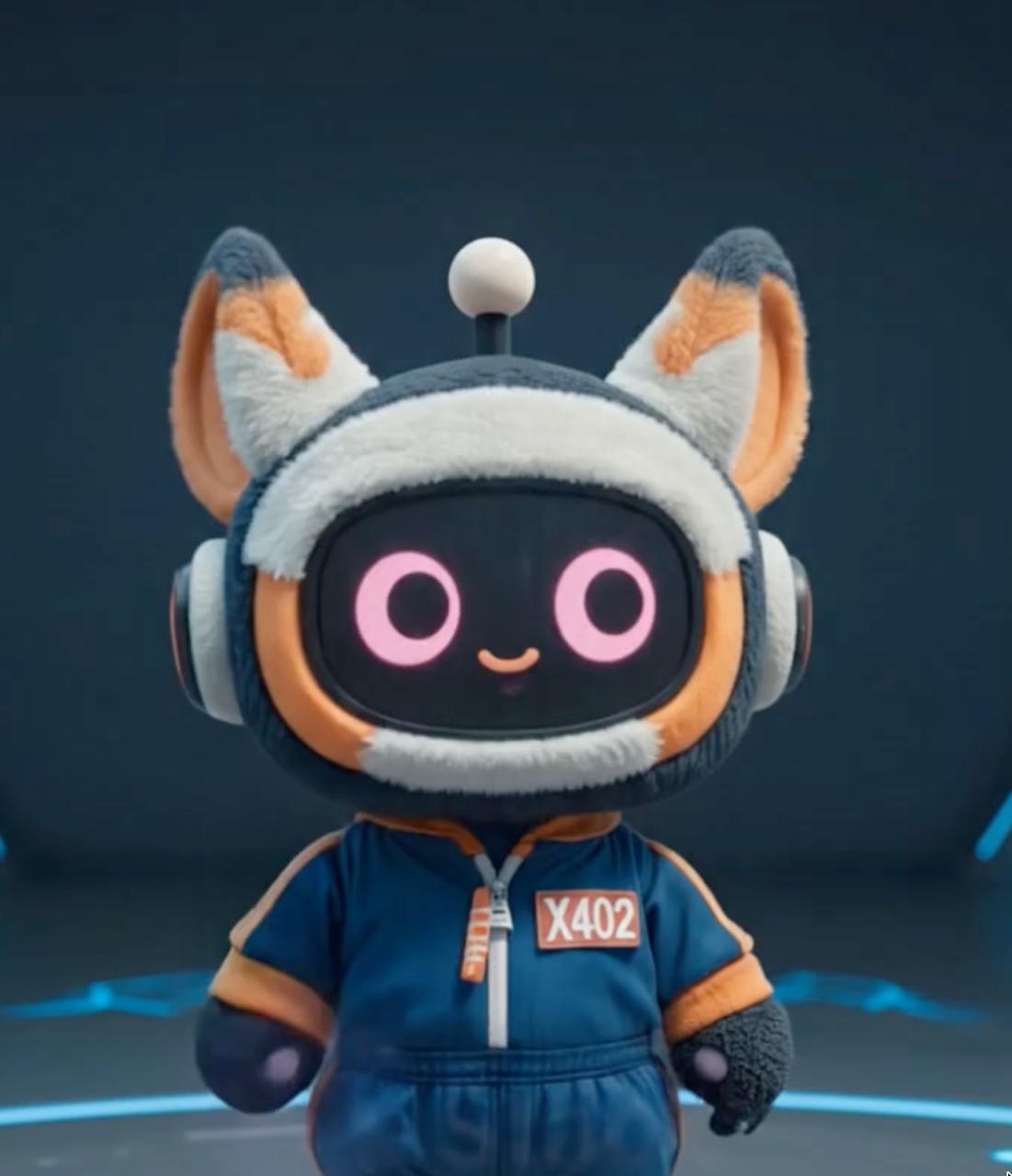
OpenClaw (also known as Clawdbot) breaks the AI out of that box. It's an open-source platform that runs Claude—Anthropic's powerful AI model—as an autonomous agent on your computer.
Instead of just talking, OpenClaw can:
- Control your computer: Browse websites, click buttons, fill forms
- Manage files: Create, edit, organize, and search documents
- Run code: Execute scripts, debug programs, automate workflows
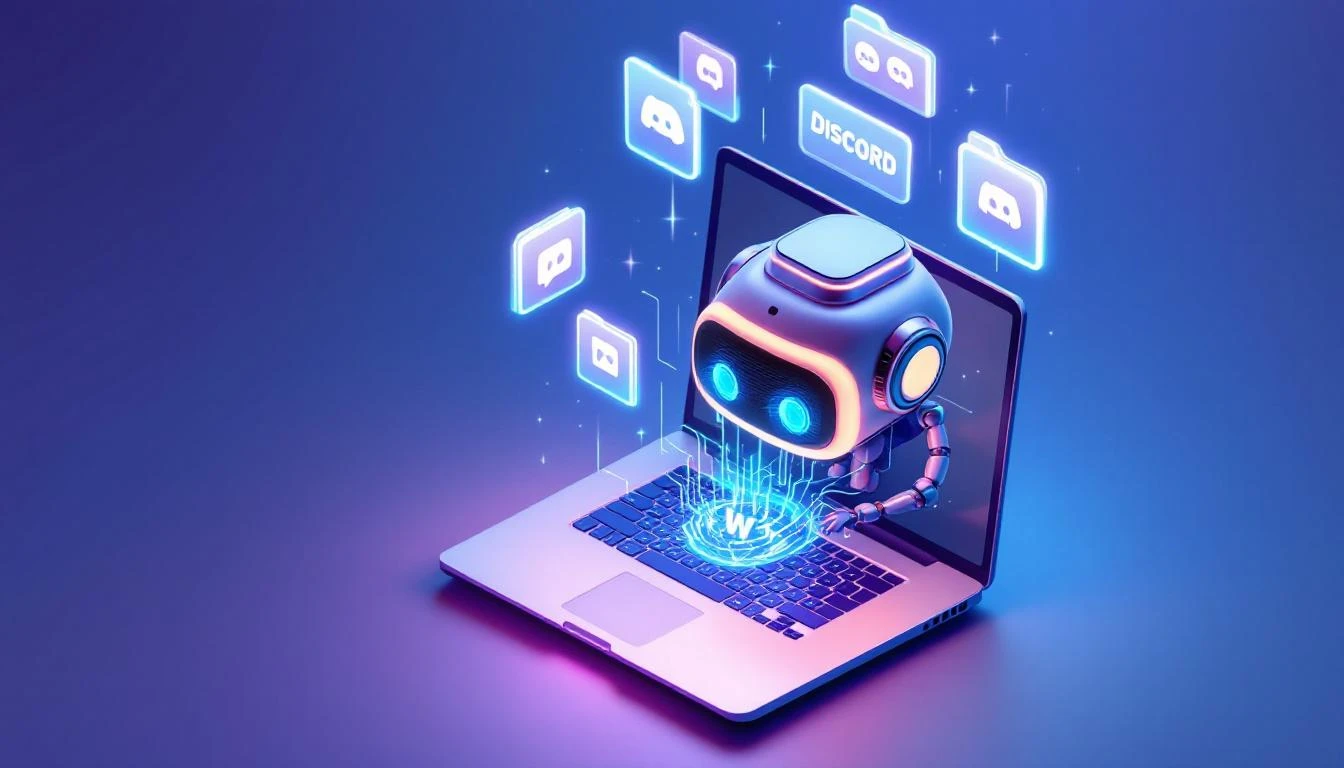
- Connect to messaging: Respond via Telegram, Discord, WhatsApp
- Remember context: Maintain memory across conversations
Think of it as upgrading from a consultant you can only call... to an assistant who works in your office.
How It Works (Simply Explained)
1. You Run It Locally
OpenClaw installs on your computer (Mac, Linux, or Windows). This means:- Your data stays on your machine
- You control what the AI can access
- No third-party servers see your files
2. It Connects to Your World
Through "channels," OpenClaw talks to you via:- Telegram (primary)
- Discord
- Terminal/CLI
Message your AI from your phone. It responds from your computer.
3. It Has Tools
OpenClaw comes with built-in capabilities:- Browser control: Navigate websites, take screenshots
- File system: Read, write, organize files
- Shell commands: Run anything your terminal can
- Web search: Find information online
- Memory: Remember things across sessions
4. It Follows Your Rules
You define what the AI can and can't do:- Which folders it can access
- Which commands it can run
- Who can talk to it
- What actions need approval
Real-World Examples
Example 1: Research Assistant
You: "Find the latest news about AI agent protocols and summarize the top 5 developments." OpenClaw:- Opens browser
- Searches news sites
- Reads articles
- Creates summary
- Saves to your notes folder
Total time: 2 minutes. Human effort: One message.
Example 2: File Organizer
You: "Organize my Downloads folder. Move images to Photos, documents to Docs, delete files older than 30 days." OpenClaw:- Scans Downloads folder
- Identifies file types
- Moves files appropriately
- Shows what was deleted (with confirmation)
Example 3: Code Helper
You: "Clone this GitHub repo, set up the environment, and run the tests." OpenClaw:- Runs git clone
- Installs dependencies
- Runs test suite
- Reports results and any failures
Why Open Source Matters
OpenClaw is fully open source (MIT license). This means:
- Free to use: No subscription, no per-message fees
- Transparent: See exactly what the code does
- Customizable: Add your own tools and integrations
- Private: Your conversations never leave your machine
- Community-driven: Contributors improve it constantly
Who Is This For?
Developers: Automate your workflow, get coding help, manage projects Researchers: Gather information, organize notes, process documents Power users: Anyone who wants AI that does more than chat Privacy-conscious: Keep your AI interactions local and privateThe Bigger Picture
OpenClaw represents a shift in how we interact with AI. Instead of AI as a service you visit (like going to a website), it becomes AI as a presence on your machine—always available, always capable.
This is the beginning of the "agent economy"—where AI doesn't just answer questions, but takes actions in the real world.
Ready to try OpenClaw?
- GitHub: github.com/clawdbot/clawdbot
- Docs: docs.clawd.bot